


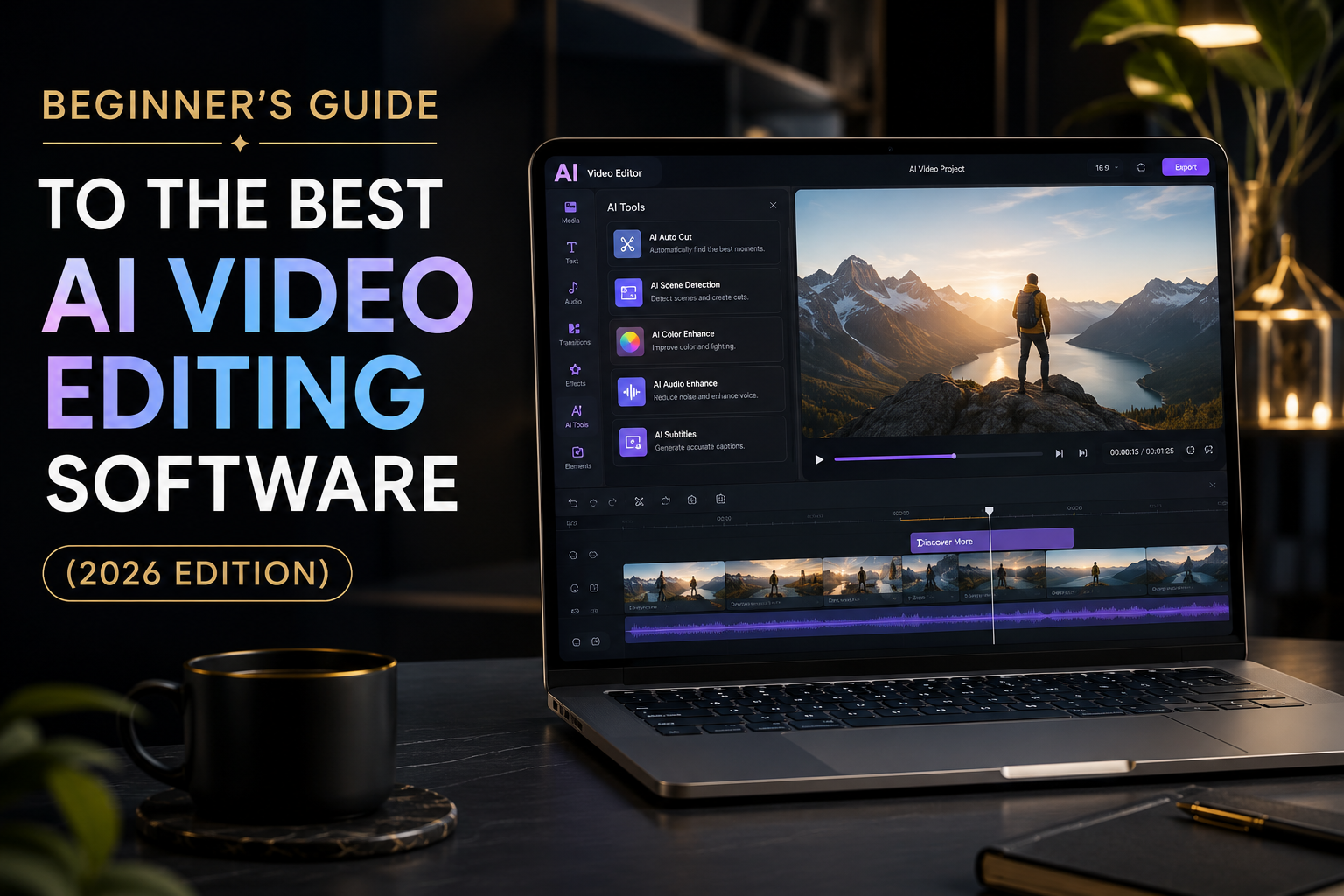
“Editing videos takes forever…”
You record a video. It looks good.
But then comes editing… and suddenly you’re stuck for hours.
Cutting clips. Fixing audio. Adding subtitles. Finding music.
For beginners, video editing can feel like learning a new language.
That’s exactly where AI video editing software changes everything.
Instead of doing everything manually, AI helps you edit faster, cleaner, and sometimes even automatically.
🚀 What You’ll Learn in This Guide
By the end of this post, you’ll know:
- The best AI video editing software for beginners
- Which tools save the most time (without editing skills)
- Real-world uses for YouTubers, TikTok creators, and businesses
- What features actually matter (and what to ignore)
- How to choose the right tool for your goals
🤖 Why AI Video Editing Is a Big Deal Right Now
Traditional editing takes skill and patience.
AI editing tools flip that process.
Instead of manually editing every clip, AI can:
- Cut silent parts automatically
- Add subtitles in seconds
- Suggest transitions and effects
- Improve audio quality
- Even create videos from text
This means beginners can now create professional-looking videos without editing experience.
🏆 Best AI Video Editing Software for Beginners
Here are the most popular and beginner-friendly AI video tools right now:
🎥 1. CapCut (AI-Powered Editing Made Easy)
One of the most beginner-friendly tools out there.
Why people love it:
- Auto captions (very accurate)
- One-click background removal
- TikTok & YouTube ready templates
- Free to use in many features
👉 Perfect for short-form creators.
✨ 2. Adobe Premiere Pro (with AI Features)
A professional tool now powered with AI.
Key AI features:
- Auto Reframe (fits any platform size)
- Speech-to-text captions
- Scene edit detection
👉 Best for serious creators and freelancers.
⚡ 3. Pictory AI (Text to Video Tool)
You don’t even need footage.
What it does:
- Turns scripts into videos automatically
- Adds stock clips, music, and subtitles
- Great for faceless YouTube channels
👉 Perfect for bloggers and marketers.
🎬 4. Runway ML (Next-Level AI Editing)
One of the most advanced AI tools.
Features:
- AI video generation
- Object removal from video
- Background replacement
- Motion tracking
👉 Ideal for creators who want futuristic editing.
📱 5. InVideo AI (Beginner-Friendly & Fast)
Great for people who want quick results.
Highlights:
- Script to video in minutes
- Ready-made templates
- AI voiceovers included
👉 Best for social media marketing.
🌍 Real-Life Use Cases (Why People Actually Use These Tools)
AI video editing isn’t just for YouTubers.
People use it for:
- 🎥 YouTube content creation
- 📱 TikTok & Instagram reels
- 🏢 Business ads and promotions
- 🎓 Online courses & tutorials
- 🛍️ Affiliate marketing videos
Even small businesses now create ads without hiring editors.
👍 Benefits vs ⚠ Limitations
✔ Benefits:
- Saves hours of editing time
- No technical skills needed
- Faster content creation
- Beginner-friendly interfaces
- Great for social media growth
⚠ Limitations:
- Some advanced features are paid
- AI edits may need small manual fixes
- Internet required for most tools
⚖ Comparison (Simple Breakdown)
| Tool | Best For | Difficulty | Price Level |
|---|---|---|---|
| CapCut | Short videos | Easy | Free |
| Premiere Pro | Professional editing | Hard | Paid |
| Pictory AI | Faceless videos | Easy | Paid |
| Runway ML | Advanced AI effects | Medium | Paid |
| InVideo AI | Marketing videos | Easy | Free/Paid |
👤 Who Should Use AI Video Editing Software?
✔ You should use it if:
- You’re a beginner
- You want to grow on YouTube or TikTok
- You run a small business
- You create affiliate marketing content
❌ You may not need it if:
- You already have advanced editing skills
- You prefer full manual control over every detail
🧠 How to Choose the Right AI Video Editor
Here’s a simple way to decide:
1. What type of content do you create?
- Short videos → CapCut
- YouTube videos → Premiere Pro or InVideo
- Faceless content → Pictory AI
2. How much time do you have?
- Very little time → AI tools like Pictory
- More control needed → Adobe Premiere Pro
3. Budget matters
- Free tools → CapCut, InVideo
- Professional tools → Adobe, Runway ML
💡 Pro Tips (From Real Creators)
- Start with CapCut if you’re new—it’s the easiest entry point
- Use AI captions to boost engagement instantly
- Don’t rely 100% on AI—add your personal touch
- Reuse templates to speed up content creation
Small improvements can make your videos look 10x more professional.
🔚 Final Thoughts
AI video editing software is changing the game for beginners.
What used to take hours can now take minutes.
Whether you want to grow on social media, start a YouTube channel, or build an affiliate marketing business—these tools remove the hardest barrier: editing skills.
👉 Start with a simple tool, learn the basics, and upgrade as you grow.
❓ FAQs
Q1: Is AI video editing good for beginners?
Yes, it’s perfect. Most tools are designed for people with zero editing experience.
Q2: Can AI fully edit a video automatically?
Yes, some tools can generate full videos from text or clips.
Q3: What is the easiest AI video editor?
CapCut and InVideo AI are the easiest for beginners.
Q4: Are AI video editors free?
Some are free with limited features, but advanced tools are usually paid.