


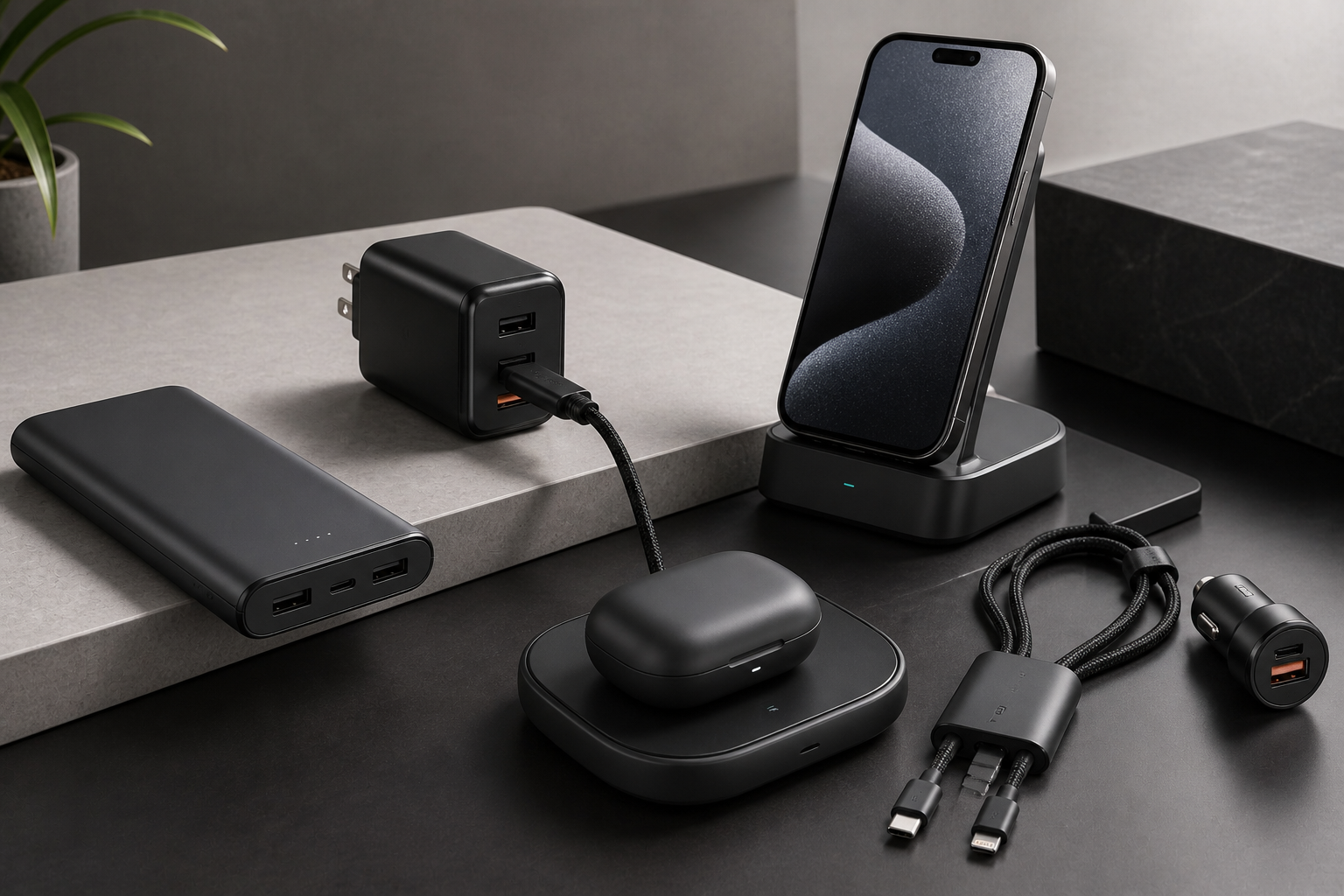
Still waiting hours for your phone to charge?
You plug in your phone for “just 10 minutes”… and it barely moves.
Meanwhile, your day is already packed.
That’s the real problem.
Slow charging wastes time. And worse—it keeps you stuck near a wall when you should be moving.
The good news? The right charging gadgets can cut your charging time in half and make your daily routine smoother.
What You’ll Get From This Guide
You’ll discover:
- The best fast charging gadgets that actually work
- Which ones are worth your money (and which aren’t)
- How to choose the right setup for your lifestyle
Why Fast Charging Matters More Than You Think
We use our devices all day:
- Phones
- Laptops
- Earbuds
- Smartwatches
Waiting for them to charge is frustrating.
A good charging setup:
- Saves time every day
- Keeps your devices ready
- Reduces stress (no more low battery panic)
Best Charging Gadgets That Save Time
Here are reliable, real-world tested charging solutions that actually make a difference.
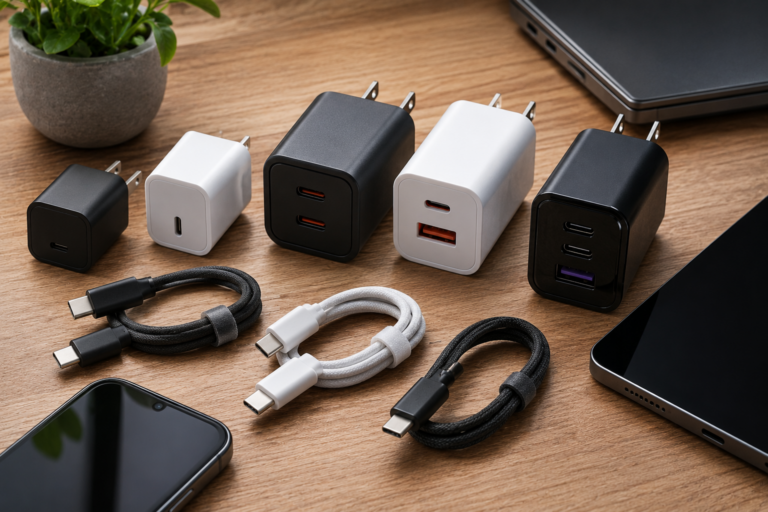
🔌 Fast Wall Chargers (Power Delivery)
Example: Anker Nano 65W Charger
Why it stands out:
- Charges phones and laptops fast
- Compact and travel-friendly
Real-life use:
Perfect for students or professionals who need quick top-ups before leaving.
Limitation:
- Slightly more expensive than basic chargers
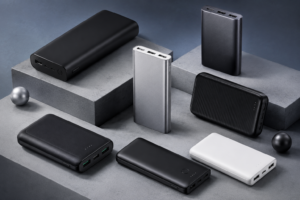
🔋 Power Banks (Fast Charging On-the-Go)
Example: Baseus 100W Power Bank
Why it stands out:
- High capacity
- Supports fast charging
Real-life use:
Ideal for travel, long days outside, or emergencies.
Limitation:
- Heavier than small power banks
⚡ Wireless Charging Pads
Example: Belkin BoostCharge Wireless Pad
Why it stands out:
- Clean, cable-free experience
- Easy to use
Real-life use:
Great for desks—just place your phone and it charges.
Limitation:
- Slower than wired charging
🔄 Multi-Device Charging Stations
Example: UGREEN 4-in-1 Charging Station
Why it stands out:
- Charges multiple devices at once
- Reduces cable clutter
Real-life use:
Perfect for keeping your desk organized while charging phone, earbuds, and watch together.
Limitation:
- Not ideal for travel
🔌 Fast Charging Cables (Often Ignored)
Example: Anker PowerLine III USB-C Cable
Why it stands out:
- Supports high-speed charging
- Durable and long-lasting
Real-life use:
Even the best charger won’t work properly without a good cable.
Limitation:
- Needs compatible charger for full speed
Real-Life Use Cases (What Actually Works)
⏱️ Short on time in the morning
👉 Use a fast wall charger for quick boost
🚶 Always on the move
👉 Carry a high-capacity power bank
🧑💻 Work desk setup
👉 Use wireless pad or charging station
🎒 Student life
👉 One fast charger + good cable is enough
Benefits vs Limitations (Honest View)
✅ Benefits
- Faster charging (real time-saving)
- More convenience
- Better daily workflow
❌ Limitations
- Fast chargers cost more
- Wireless charging is slower
- Not all devices support fast charging
👉 The key is using the right combination
How to Choose the Right Charging Gadget
1. Check your device compatibility
Not all phones support fast charging
2. Look for wattage
- 20W–30W → phones
- 60W+ → laptops
3. Don’t ignore cables
Bad cable = slow charging
4. Think about your routine
- Travel → power bank
- Desk → charging station
- Daily use → fast wall charger
Common Mistakes to Avoid
❌ Using cheap low-quality cables
❌ Buying high-watt charger for unsupported device
❌ Ignoring safety certifications
❌ Overpaying for unnecessary features
Real Insight (Most People Miss This)
You don’t need every gadget.
👉 One fast charger + one good cable
can solve 80% of your charging problems
Everything else is optional.
Final Thoughts: What’s Actually Worth It?
Fast charging isn’t just about speed—it’s about saving time every single day.
- Start simple
- Upgrade only what you need
- Focus on real use, not hype
👉 The right setup = less waiting, more doing
FAQs
1. Do fast chargers damage battery?
No, modern devices manage charging safely.
2. Is wireless charging worth it?
Yes for convenience, but not for speed.
3. What is the best charging setup?
Fast wall charger + high-quality cable.
4. How many watts do I need?
20W+ for phones, 60W+ for laptops.