

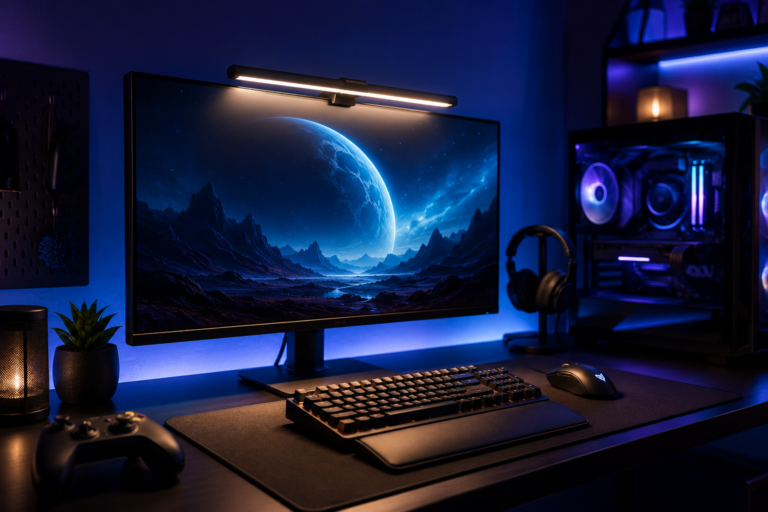

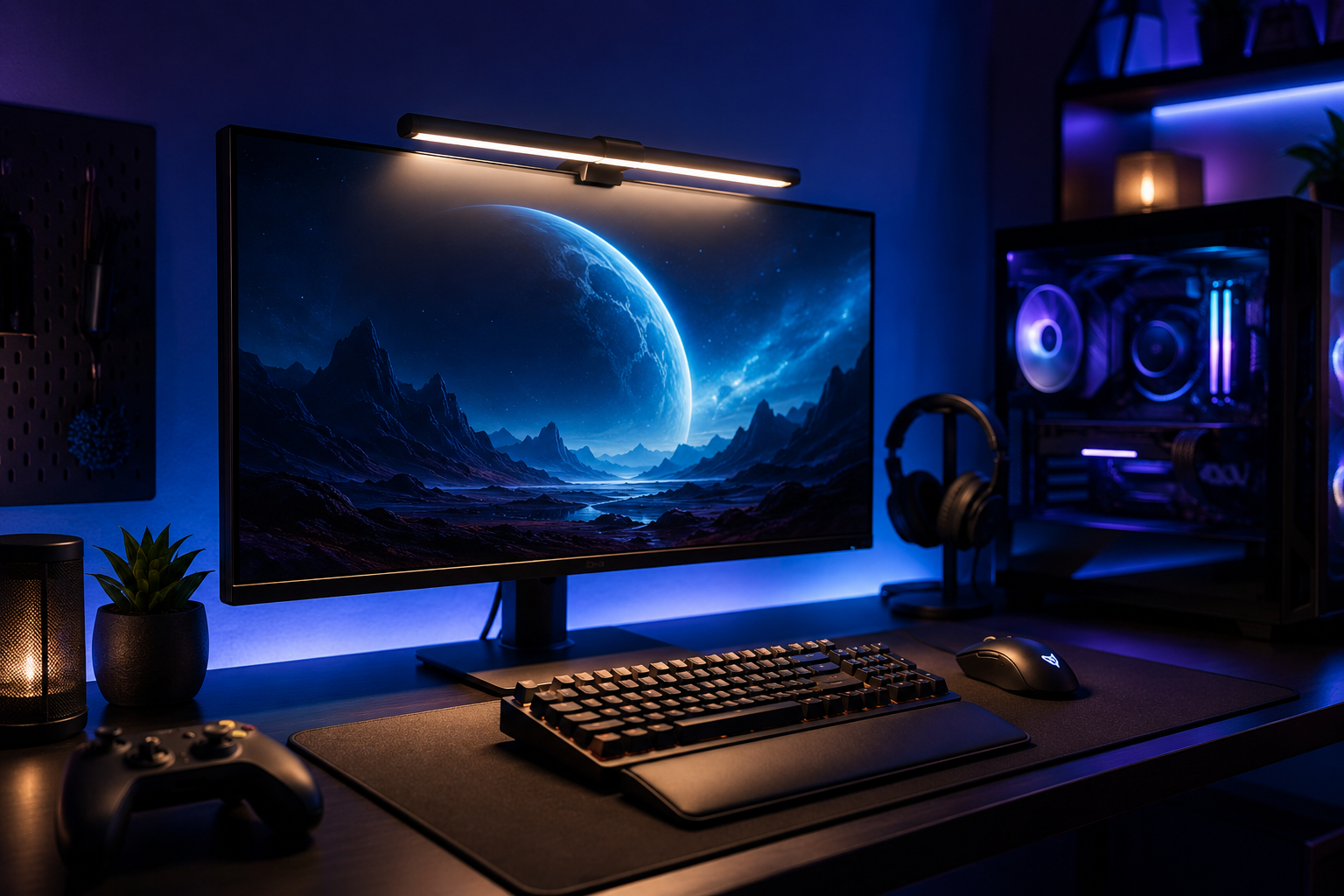
🎮 Your Gaming Setup Looks Cool… Until Your Eyes Start Hurting
Late-night gaming sessions feel amazing—until your eyes get tired, your desk feels too dark, and screen glare starts becoming distracting.
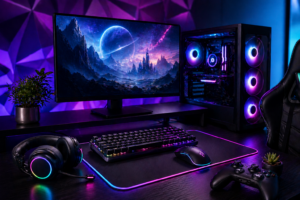
A lot of gamers spend money on RGB keyboards, giant monitors, and gaming chairs, but completely ignore lighting.
That’s a mistake.
A good monitor light bar for gaming and streaming can completely change your setup. It improves visibility, reduces eye strain, and makes your gaming desk look cleaner and more premium.
And honestly? Once you try one, it’s hard to go back.
🚀 What You’ll Learn in This Guide
If you’re building or upgrading a gaming setup, this post will help you:
- Discover the best monitor light bars for gaming
- Understand how they improve comfort during long sessions
- Learn which features actually matter
- Find options for gamers, streamers, and creators
- Avoid buying cheap lights that look good online but disappoint in real life
🖥️ Why Monitor Light Bars Matter for Gamers
Gaming in a dark room sounds cool… but it’s not always comfortable.
Monitor light bars help by:
- Reducing eye strain
- Improving desk visibility
- Minimizing screen glare
- Creating a cleaner gaming atmosphere
- Making streaming setups look more professional
Unlike regular desk lamps, monitor light bars sit directly above your monitor and shine downward without reflecting on the screen.
That small difference matters a lot.
🏆 Top Monitor Light Bars for Gaming & Streaming
🌟 1. BenQ ScreenBar Halo
One of the most premium monitor light bars available.
Why Gamers Love It:
- Wireless controller
- Adjustable brightness
- Back ambient lighting
- Minimal glare design
👉 Perfect for high-end gaming setups.
🎮 2. Xiaomi Mi Computer Monitor Light Bar
A clean and affordable option.
Best Features:
- Easy magnetic mount
- USB-powered setup
- Adjustable color temperature
- Sleek minimalist design
👉 Great value for budget gamers.
🔥 3. Quntis RGB Monitor Light Bar
A popular choice for RGB gaming setups.
Highlights:
- RGB backlighting
- Eye-care lighting mode
- Streaming-friendly atmosphere
- Modern gaming aesthetic
👉 Ideal for streamers and RGB lovers.
💻 4. Logitech Litra Beam
Built more for creators and streamers.
Best For:
- Face lighting during streams
- Desk setup aesthetics
- Professional streaming environment
👉 Excellent for Twitch and YouTube creators.
⚡ 5. Baseus i-Wok Monitor Light
Simple, stylish, and practical.
Why People Like It:
- Soft lighting
- Easy brightness controls
- Affordable pricing
- Clean desk appearance
👉 Great starter option for everyday gaming.
🌍 Real-Life Gaming & Streaming Use Cases
Monitor light bars aren’t just for decoration.
People use them for:
- 🎮 Long gaming sessions
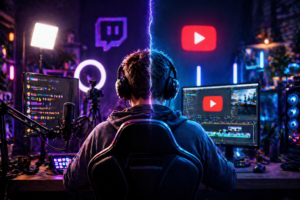
- 🎥 Streaming on Twitch or YouTube
- 💼 Nighttime work setups
- ✍️ Editing videos and content
- 📚 Studying without harsh room lighting
Good lighting changes how your setup feels every single day.
👍 Benefits vs ⚠ Limitations
✔ Benefits:
- Reduces eye fatigue
- Cleaner desk setup
- Better visibility at night
- More immersive gaming atmosphere
- Improves streaming appearance
⚠ Limitations:
- Premium models can be expensive
- RGB lighting isn’t necessary for everyone
- Some cheaper models have uneven brightness
⚖ RGB Light Bars vs Minimal White Light Bars
🌈 RGB Monitor Light Bars
Best for:
- Gaming aesthetics
- RGB desk setups
- Stream backgrounds
Pros:
- More immersive atmosphere
- Looks visually impressive
- Custom color modes
🤍 White Monitor Light Bars
Best for:
- Productivity
- Long work sessions
- Minimal desk setups
Pros:
- Cleaner lighting
- Better eye comfort
- More professional appearance
🧠 How to Choose the Right Monitor Light Bar
1. Check Monitor Compatibility
Not all monitor light bars fit curved monitors properly.
Always check:
- Screen thickness
- Mounting design
- Curved vs flat compatibility
2. Brightness Adjustment Is Important
Avoid fixed-brightness models.
You’ll want adjustable lighting for:
- Gaming
- Streaming
- Late-night use
3. RGB or Productivity?
Ask yourself:
- Want aesthetics? → RGB light bar
- Want comfort? → White eye-care lighting
⚠ Common Mistakes Buyers Make
- Buying based only on RGB looks
- Ignoring glare control
- Choosing oversized light bars
- Using harsh brightness settings
Too much brightness can actually make eye strain worse.
💡 Pro Tips From Real Gamers
- Warm lighting feels better during late-night sessions
- Keep brightness lower than your monitor brightness
- RGB backlighting looks best behind the monitor, not directly in your eyes
- Pair light bars with dark desk mats for a cleaner setup look
Small setup changes create a surprisingly premium feel.
👤 Who Should Buy a Monitor Light Bar?
✔ Best For:
- PC gamers
- Streamers
- Content creators
- Remote workers
- Nighttime gamers
❌ Not Ideal For:
- Very bright room setups
- Minimal users who rarely game at night
❓ FAQs
Q1: Are monitor light bars worth it for gaming?
Yes. They improve comfort, reduce eye strain, and enhance setup aesthetics.
Q2: Do monitor light bars reduce glare?
Good-quality models are designed specifically to minimize screen reflection.
Q3: RGB or white monitor light bar—which is better?
RGB is better for aesthetics, while white lighting is better for focus and eye comfort.
Q4: Can monitor light bars work with curved monitors?
Some do, but always check compatibility before buying.
Q5: Are monitor light bars good for streaming?
Absolutely. They improve desk appearance and help create a cleaner camera setup.
🔚 Final Thoughts
A monitor light bar might seem like a small upgrade… until you actually use one.
Better lighting improves comfort, focus, and the entire gaming atmosphere.
Whether you want a clean productivity setup or a full RGB streaming room, the right monitor light bar for gaming can instantly upgrade your desk.
👉 Start with one good lighting upgrade, and your setup will feel completely different.